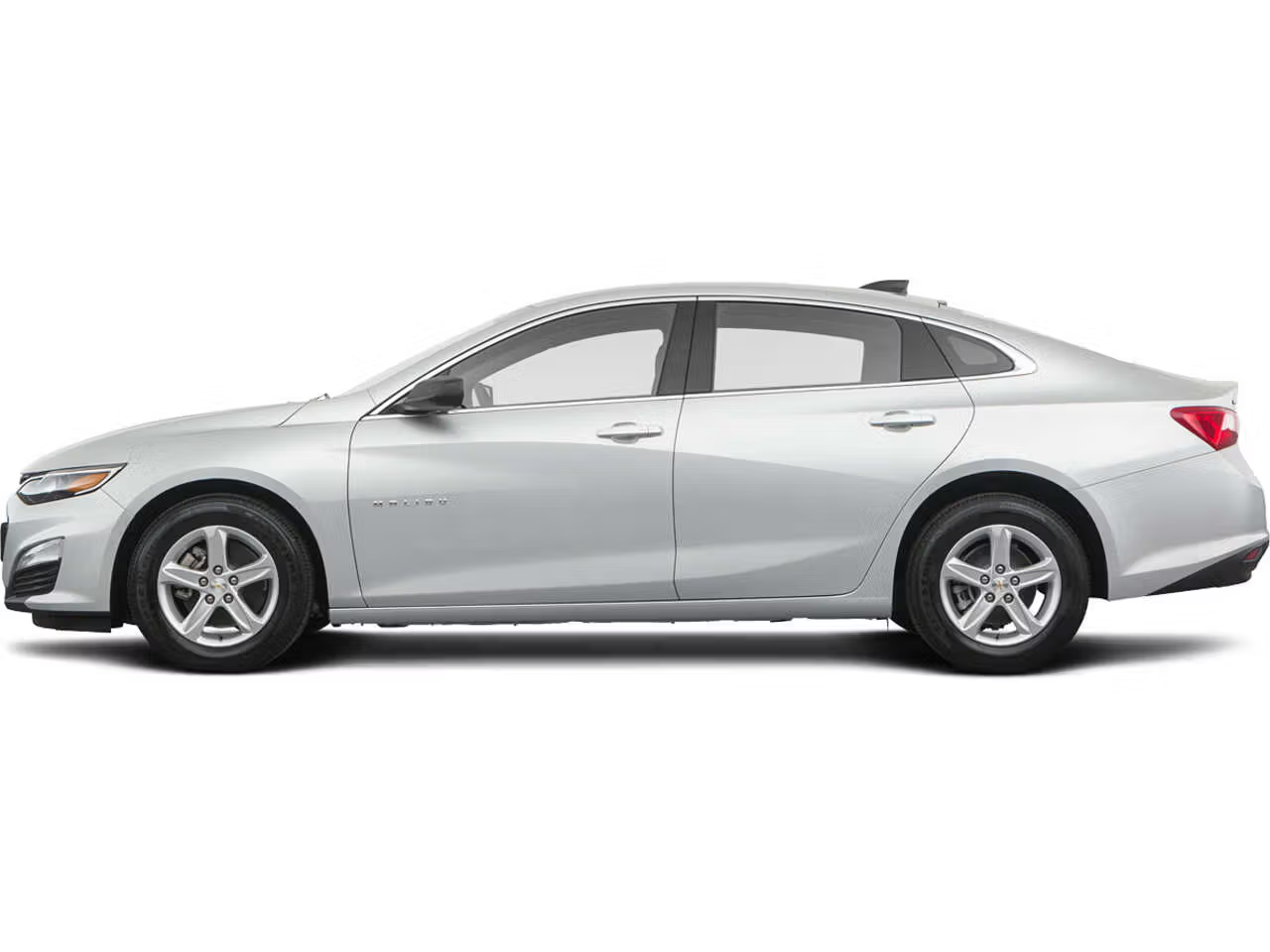
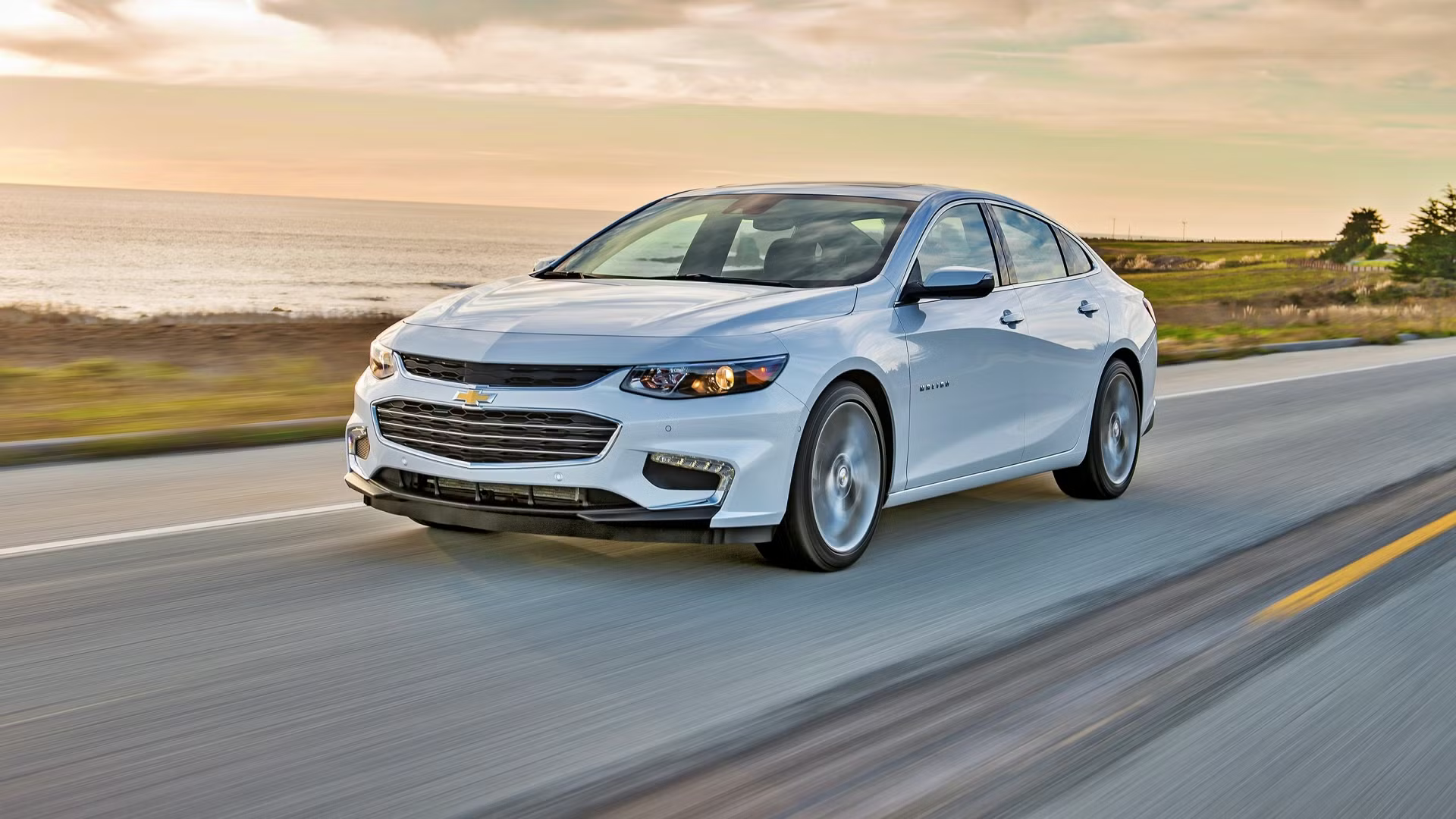
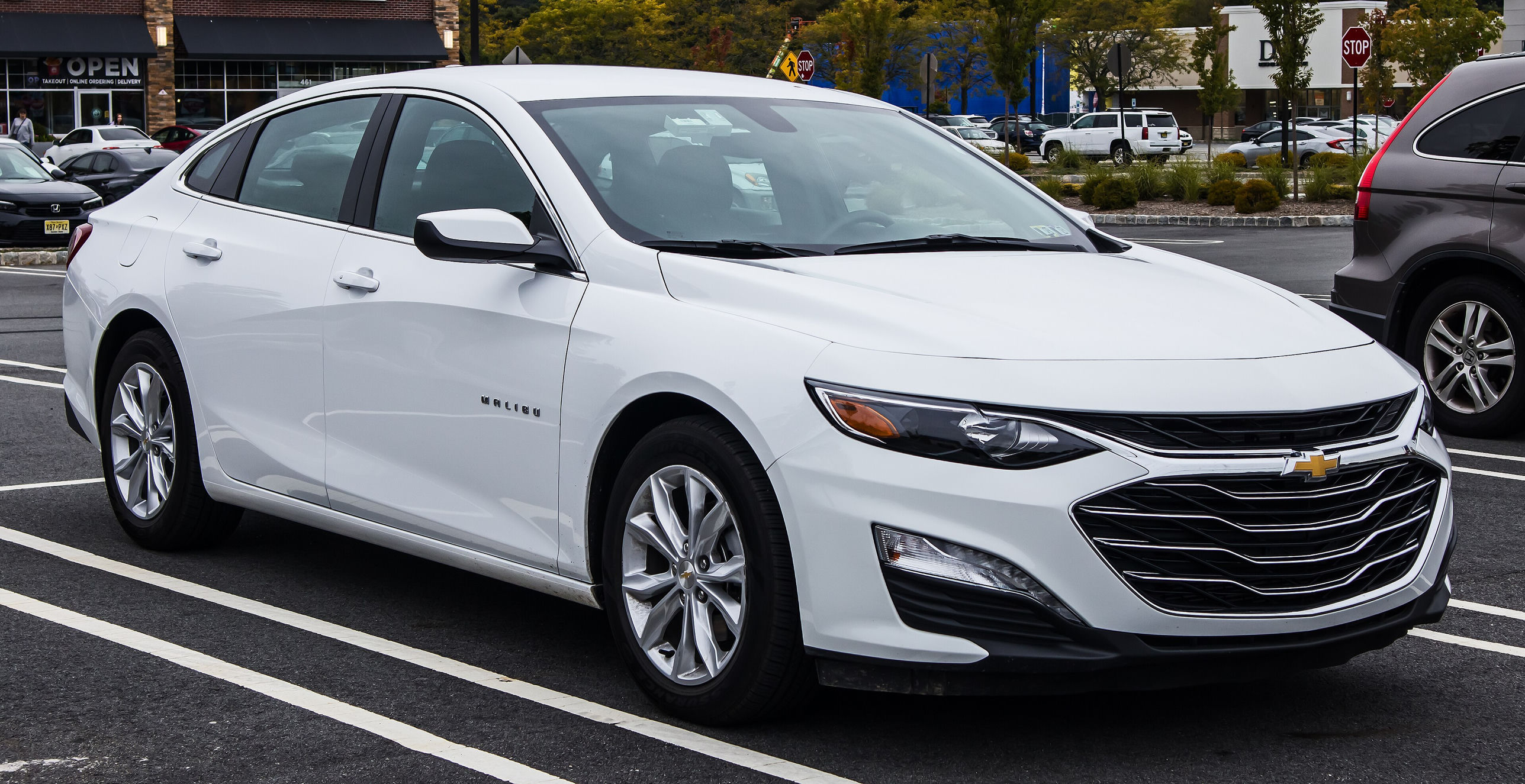
1. Chevrolet Malibu (9th gen, pre-facelift) 2016–2018
Top candidate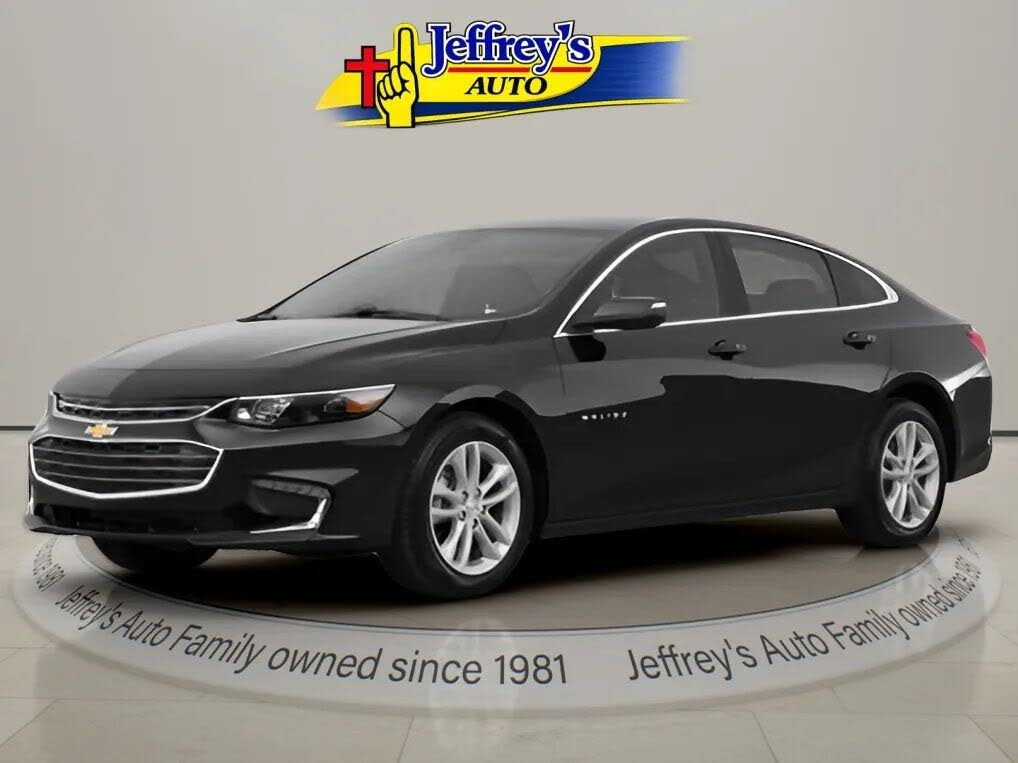
A car approaches from the northwest and parks. A person gets out, breaks into the truck, returns to their car, and drives off. Three cameras capture the scene from different angles.
Click the labeled markers above the timeline (or in the sidebar) to jump to key moments. See the Car ID tab at the top for the in-progress identification of the suspect vehicle.
Controls on the right do stuff.
Dark-colored four-door sedan. License plate is mounted high on the trunk lid. Rear side glass has a narrow base that dives down sharply at the C-pillar corner (not a consistent arc across the roofline). Front fog-light illumination forms a distinct L shape that matches the pre-facelift 9th-gen Malibu signature; the 2019 refresh deleted that L-shaped element, so 2019+ model years are excluded. A distinctive crease runs along the side of the hood. Current top candidate: Chevrolet Malibu, 9th generation, 2016–2018 model years.
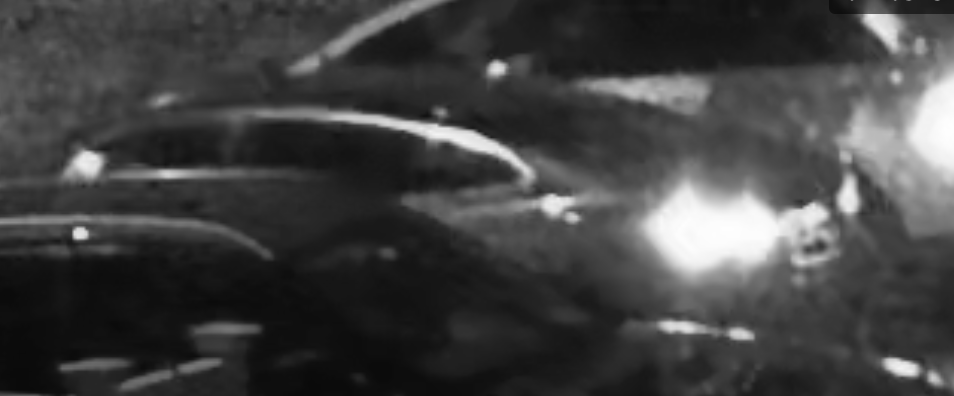
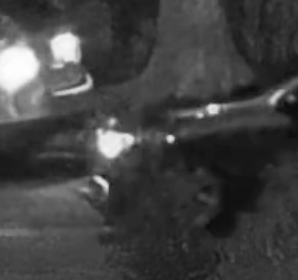
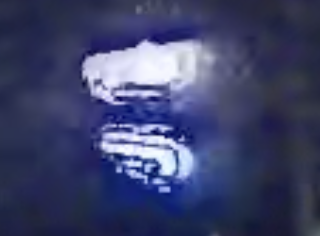
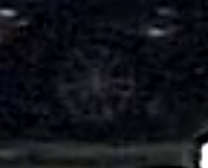
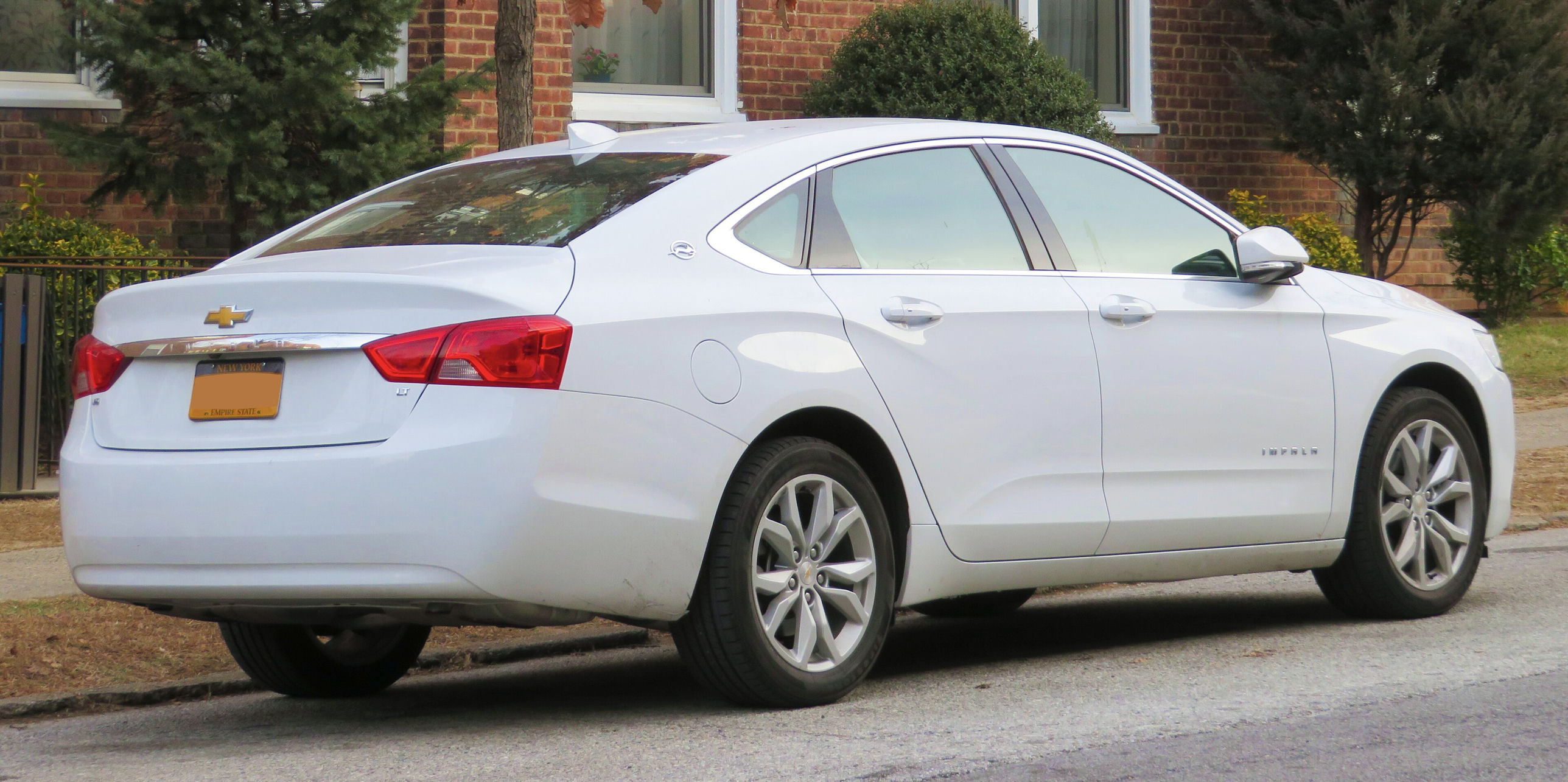
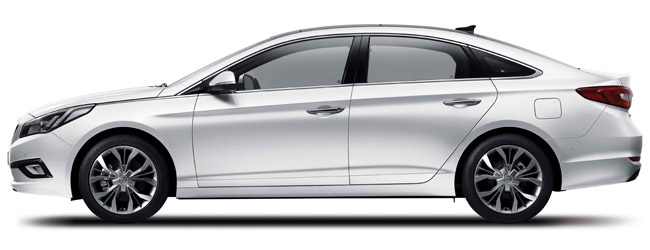
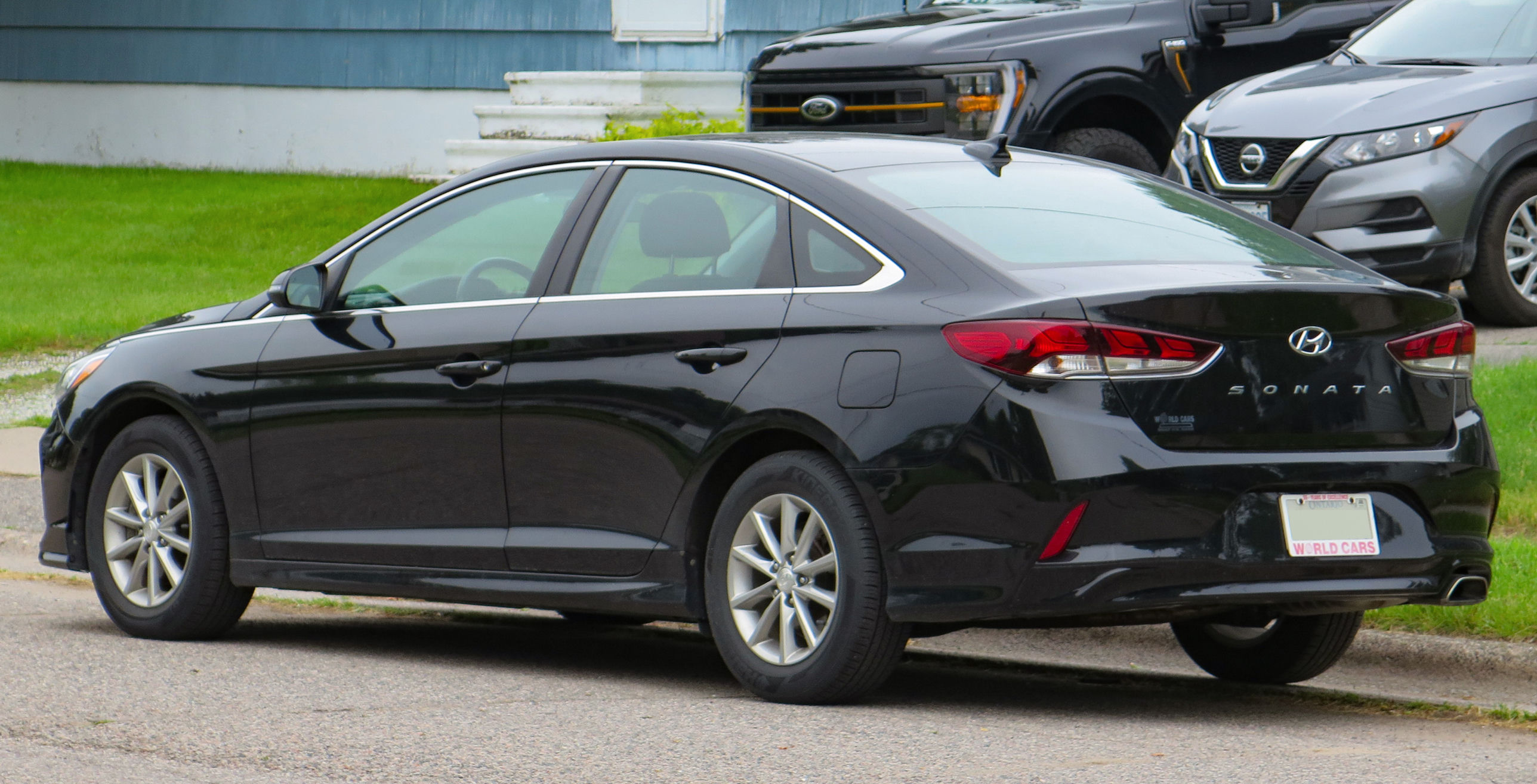
Suspect vehicle: dark-colored four-door sedan. Top candidate: Chevrolet Malibu, 9th generation, model years 2016–2018 (pre-facelift; 2019+ ruled out by absence of the L-shaped fog/DRL signature). Approached the property from the northwest, parked briefly, occupant exited and broke into the parked truck, returned to the vehicle, and departed.
One-time sync: scrub each video to the exact frame of the BANG (the window break), then click "Mark BANG here" under that pane. When all three are marked, the global timeline anchors at the BANG. Use frame step (, .) when active in a pane.